No patient left waiting. No enquiry left to chance.
Zensia answers the call, replies on WhatsApp, books the slot, sends the reminder and follows up with anyone who goes quiet. In Hindi, English and 90+ languages, around the clock. No hold music, no patient left waiting.
 Grace S.New patient · called after hours
Enquiry
Grace S.New patient · called after hours
Enquiry
From the first call to the chair.
One guide, every stage.
This is what the home page promises, in your sector’s words. Every patient enquiry moves through the same seven stages, and the guide does the work at each one.
-
1
Enquiry comes in
Call, WhatsApp, web form or email. Patient or family, any hour.
“Tooth pain since morning. Kal possible?” · 9:42 PM -
2
Answered in seconds
Timings, fees, doctors, insurance, reports. In their language, from your own FAQs.
“Dr. Hayes: Tue 10:30 or Wed 4:00?” -
3
Slot offered
Live availability from your calendar. Two options, one reply.
“Reply 1 or 2” → “1” -
4
Followed up until it’s booked
WhatsApp nudge, call back at the promised time, for anyone who goes quiet.
“Still want the Tuesday slot?” -
5
Appointment booked
Into the doctor’s calendar. Confirmation sent, record created.
Tue 10:30 · Dr. Hayes · Room 2 -
6
Reminded, then arrived
Reminder the evening before, directions attached. Check-in logged, no-shows chased.
Grace checked in · desk notified -
7
Handed over when it matters
An emergency, or a question Zensia can’t answer: your team gets it with the full thread.
“Passing you to Dr. Hayes, now.”
Patients reach out five ways.
The leaks are always the same.
Calls after hours. WhatsApps at lunch. Forms on Sunday.
40% of appointment requests arrive outside OPD hours. Each one left hanging is a patient booking the hospital that replied first.
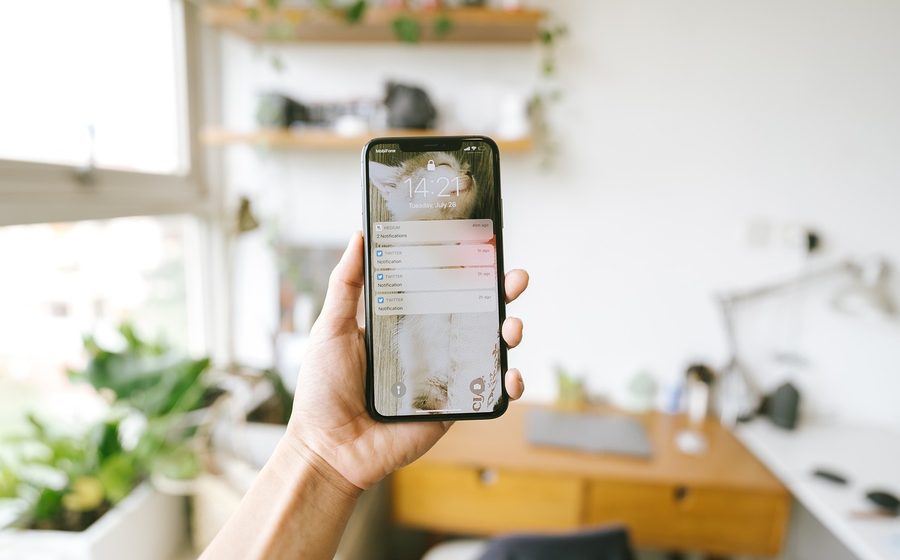
“I’ll confirm.” Then silence.
A patient asks, gets an answer, says they’ll get back to you. Without a nudge on WhatsApp or a call back, that enquiry is gone. Nobody has time to chase.
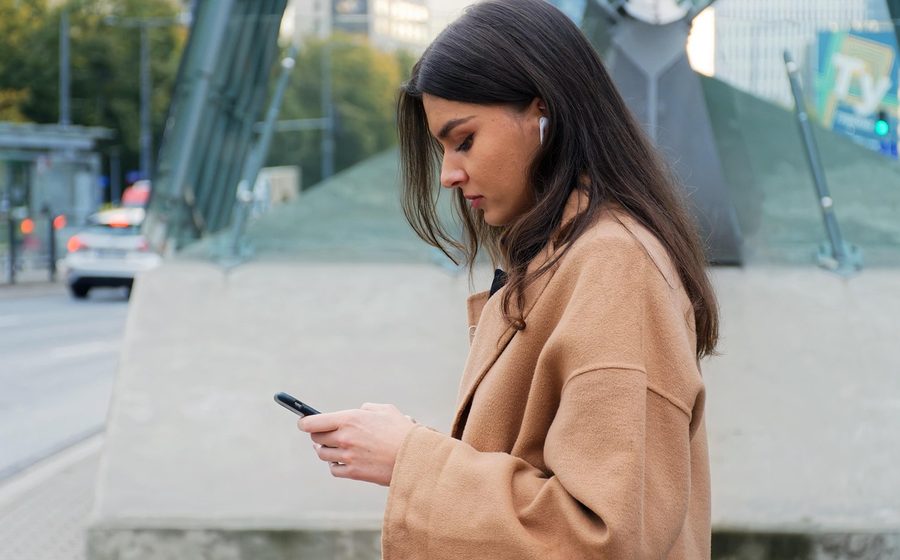
1 in 3 patients never turn up.
Outpatient no-show rates run 23–33%. Reminder calls and reschedules don’t happen because the team is busy, so the slot sits empty while others wait days.
Patients don’t speak IVR.
Real patients switch between Hindi and English mid-sentence. Press-1 menus and English-only bots make them hang up.
Open 9 to 6. Reached around the clock.
A typical Tuesday at a hospital OPD. Every enquiry that lands outside the shaded hours would have gone to voicemail, or to the hospital next door.
One guide. Both directions.
Zensia doesn’t just answer. It replies on WhatsApp and email, calls patients back when it said it would, and writes every outcome into your system. Same guide, same memory, both sides of the conversation.
Grace S.one patient, one thread
AnsweredFollowed upBookedWritten to your CRM
When patients reach out
Call, WhatsApp or email, answered instantly, 24/7
-
Book & reschedule appointmentsLive on the call or over WhatsApp, straight into your calendar.
-
Lab report statusPatients hear when reports are ready, without holding the line.
-
Timings, fees & insurance FAQsInstant answers on OPD hours, consultation fees and coverage.
-
Emergency routingUrgent cases recognised and handed to your team with the full context.
When Zensia reaches out
Outbound, proactive and on schedule
-
Appointment remindersWhatsApp first, a call if they don’t confirm. Patients actually turn up.
-
No-show recoveryMissed the visit? Zensia calls back and rebooks the slot.
-
Post-visit follow-upsCare instructions and feedback collected after every visit.
-
Checkup & vaccination recallsRecurring care gets back on the calendar automatically.
Every call and message is logged, summarised and written to your CRM or practice software.
Every patient is a stranger to a bot. Not to Zensia.
Zensia remembers every patient across every call, WhatsApp and email: their name, their doctor, their language, their last visit. Returning patients are greeted like regulars, not asked to spell their name again.
- Remembers names, doctors and visit history
- Recalls language preference and answers in it automatically
- Picks up where the last conversation ended, on any channel
Namaste Sharma ji! Calling from City Care Hospital to confirm your appointment tomorrow at 4:00 pm with Dr. Verma.
Haan, lekin kal 4 baje mushkil hai… shaam ko ho sakta hai?
Bilkul! Dr. Verma ka 6:00 pm slot khaali hai, maine book kar diya. WhatsApp par confirmation bhej rahi hoon.
Live in three steps.
Connect your hospital or clinic
Link your number, WhatsApp, email, calendar and CRM. No new hardware. Minutes, not months.
Train on your practice
Zensia learns your doctors, timings, fees and FAQs from the documents you already have.
Go live, both directions
Patients reach out, Zensia answers, books and reminds. They go quiet, Zensia follows up. In 90+ languages, around the clock.
Your front desk, with and without Zensia.
Every call, WhatsApp and email picked up, nights, weekends and holidays.
Hundreds of calls and chats at once. Hold music never plays.
Hindi, English and 90+ languages, switching mid-sentence.
Name, doctor & visit history recalled on every call and message.
WhatsApp nudge, call back, reminder, until the slot is confirmed.
Calendar & CRM updated live, during the conversation.
A fraction of one salary, and it scales with your patients.
Frequently asked
questions
Everything hospitals and clinics ask before putting Zensia beside their front desk. Still unsure? Talk to our team.
Can patients reach it on WhatsApp and email?
Yes. The same guide answers calls, WhatsApp and email, and keeps one thread per patient, so a question asked on WhatsApp and a call the next day are one conversation, not two.
Does it follow up, or only answer?
Both. Zensia sends WhatsApp and email follow-ups, calls back when it said it would, and runs reminders, no-show recovery, post-visit follow-ups and checkup recalls. The same guide that answers also works your follow-up list.
Does Zensia speak Hindi?
Yes. Hindi, English, Hinglish and 90+ languages. Patients can switch languages mid-sentence and Zensia follows naturally, the way real conversations happen in India.
What if it doesn’t know the answer?
It says so, takes the patient’s details and hands the question to your team with the full context. Once you answer it, Zensia learns it and answers it itself next time.
What happens in an emergency call?
Zensia recognises urgency and immediately hands the call to your team with full context. It never keeps an emergency waiting behind a menu.
Will it work with my hospital or clinic software?
Zensia connects to your calendar and CRM or practice management system. Bookings, reschedules and conversation notes sync in real time, as they happen. Our team handles custom integrations during setup.
Is patient data safe?
Conversations stay in your account, are not used to train shared Zensia models by default, and can be deleted whenever you ask. Details are in our privacy policy.
How long does setup take?
Most hospitals and clinics go live within days: connect your number, WhatsApp and calendar, share your timings, fees and FAQs, and Zensia is ready to answer.
What does it cost?
Plans start free, and paid plans scale with how much Zensia talks for you, a fraction of a full-time receptionist’s salary. See our pricing page for details.
Watch one patient enquiry go all the way.
Bring one of your real patient scenarios. We take it from first call to booked slot, with the WhatsApp confirmation and reminder in between, in Hindi and English. No slides.